Uncategorized Archives - Apple Care Nepal | Trusted Apple Gadgets Solution

MacBook Screen Replacement Cost & Options in Kathmandu, Nepal

Cracking a MacBook screen is one of the most frustrating accidents. Understanding your repair options helps you make the right choice between quality and cost.

Display Assembly vs Glass Replacement

Unlike older laptops, Retina and Liquid Retina XDR displays are glued together in a cleanroom laminate comprising the LCD panel, backlight sheets, True Tone sensor, and aluminum lid. Replacing just the glass often ruins backlight uniformity. We recommend complete original grade assembly replacements to preserve True Tone and 120Hz ProMotion.

Warranty & Turnaround

At Apple Care Nepal, screen replacements come with a full hardware warranty covering lines, discoloration, and backlight issues.

How to Prolong Your iPhone Battery Health: 7 Proven Tips

Every iPhone user watches their battery health percentage closely. Here are the 7 habits verified by our technicians to prevent premature degradation:

  1. Avoid charging in high heat: Never charge under pillows or in hot cars.
  2. Use Optimized Battery Charging: Let iOS learn your charging schedule.
  3. Avoid fast-charging continuously: Use a standard 5W-12W charger overnight when speed is unnecessary.
  4. Don’t let it sit at 0%: Deep discharge causes internal copper shunts.
  5. Update iOS regularly: Apple continuously refines power management algorithms.
  6. Use original Apple or MFi certified cables: Cheap chargers spike voltage.
  7. Limit wireless charging in hot weather: Inductive coils generate more ambient heat than cable charging.

Water Damaged MacBook? Why Putting It In Rice Is a Costly Myth

The internet is full of advice recommending putting electronics in uncooked rice. Here is why doing this to a MacBook makes damage worse:

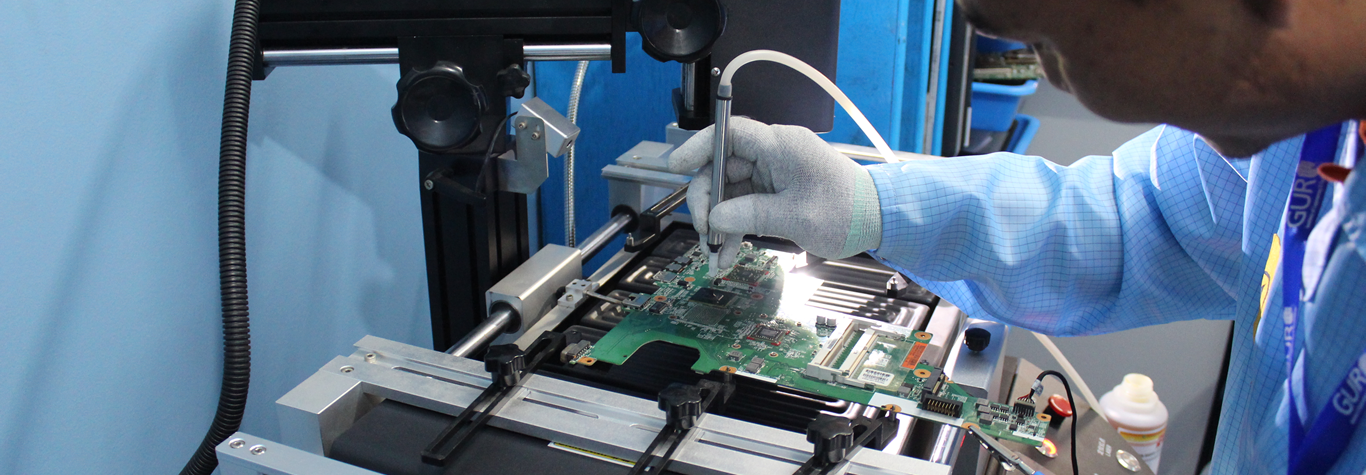
Rice cannot extract moisture trapped under BGA chips and silicon heat sinks. Meanwhile, the starch and fine dust from rice mix with the liquid to form an acidic glue that speeds up trace corrosion. Professional repair centers use high-frequency ultrasonic tanks with specialized chemical solvents to clean boards within hours of a spill.

Apple Silicon (M1/M2/M3/M4) vs Intel Macs: Repairability & Upgrades

Since Apple introduced M-series chips in 2020, Mac laptops have undergone a revolution in battery life and processing speed. However, repair dynamics have fundamentally shifted:

  • RAM and SSD are non-upgradable: Storage and memory are surface-mounted directly to the logic board.
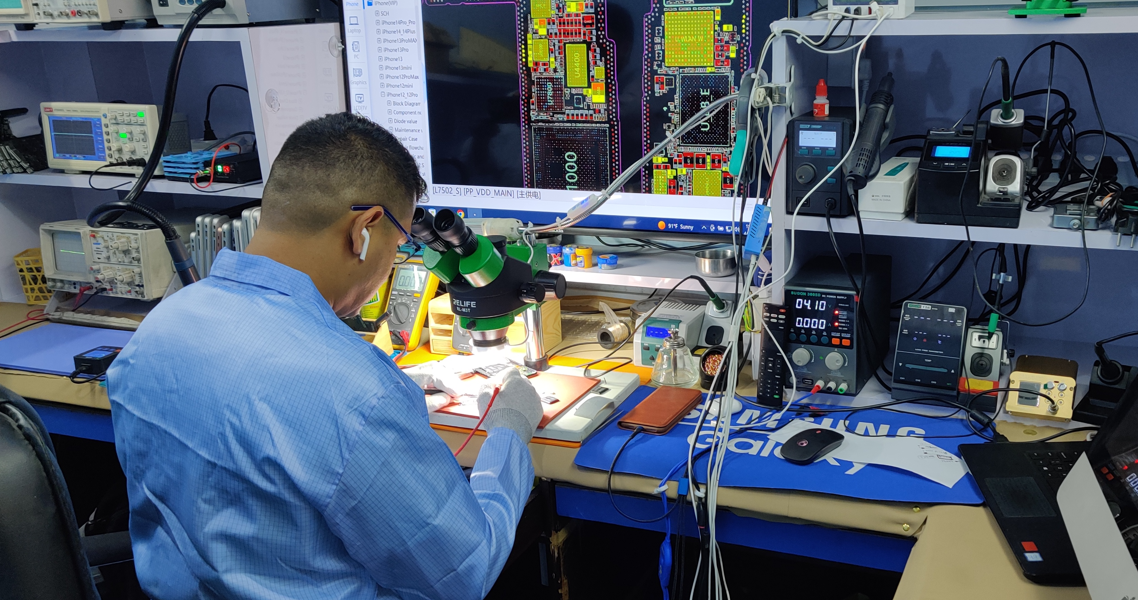
  • Board-Level Micro-Soldering: When a power chip fails, repairing the discrete capacitor or diode is much faster and cheaper than replacing the whole logic board.
  • Display and Battery Modularity: Displays, batteries, keyboards, and trackpads remain modular and easily serviceable.

Top Signs Your MacBook Logic Board Needs Immediate Attention

The logic board is the central nervous system of your Mac. Look out for these 5 telltale signs of imminent failure:

  1. Fans spinning at maximum speed constantly even when idle.
  2. Random kernel panics and sudden restarts with pink or green screen flashes.
  3. Battery not recognized or refusing to charge even with a brand new charger.
  4. No chime, no display backlight, but keyboard caps lock key toggles light.
  5. USB-C ports failing to deliver power or recognize data drives.

Buying a Used MacBook in Nepal: The Complete Inspection Checklist

Buying pre-owned can save you 40-50% off retail prices, but hidden defects can turn a bargain into a money pit. Use this checklist:

  • Check iCloud Lock: Ensure ‘Find My Mac’ is signed out and Activation Lock is disabled.
  • Check Battery Cycle Count: Anything under 500 cycles is healthy; above 800 needs replacement soon.
  • Run Apple Diagnostics: Hold ‘D’ during startup to run hardware tests.
  • Inspect All Keyboard Keys: Test every key in TextEdit, especially Spacebar and Return.
  • Verify True Tone: Open Display settings; if True Tone is missing, the screen was swapped with a cheap aftermarket panel.